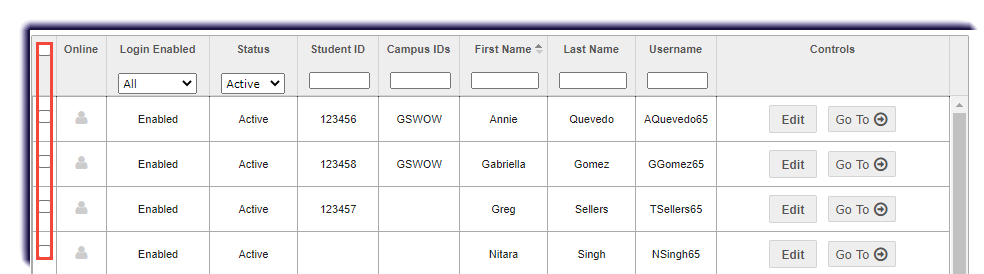
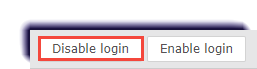
Disabling Student User Logins November 02, 2022 19:48 Print Article Email Article Disable the login of any student, or multiple students. Do this to temporarily turn off a student's access without changing their user status to On Hold. Permission To edit a student's account, the "Student Maintenance" permission is required. Click Students. Checkmark the student(s). Filter if needed. Click Disable login. Articles in this section Registration Tab Overview Adding and Removing the Campus IDs for Students Changing the Status of Students Creating a New Student Account Disabling Student User Logins Editing a Student Account Enabling Student User Logins Enrolling a Student in a Course Filtering, Searching, and Sorting the Students Registration List Importing Multiple Student Accounts See more