Use this page to enable the login of any student, or multiple students. A student's login may have been disabled if their access was put On Hold previously.
- Click Students.
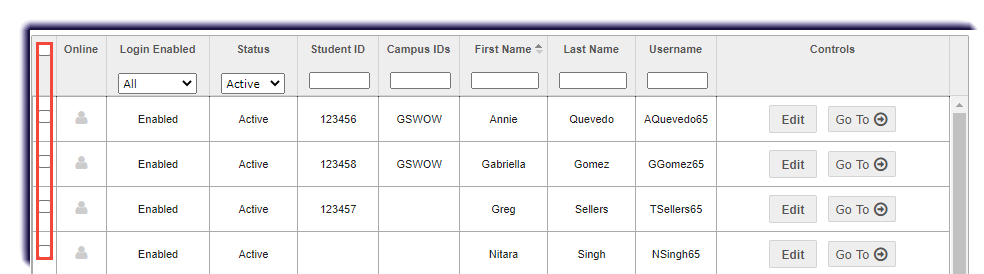
- Checkmark the student(s). Filter if needed.
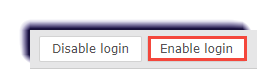
- Click Enable login.
Use this page to enable the login of any student, or multiple students. A student's login may have been disabled if their access was put On Hold previously.