Use this page to learn how to view the school calendar in the Admin tab.
- Click School Settings.
- Click Calendar.

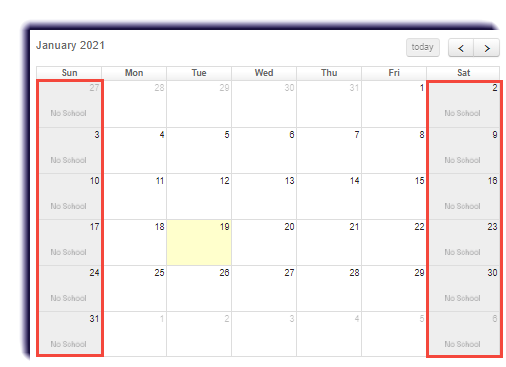
- "No School" days means schoolwork is not scheduled for active student enrollments.
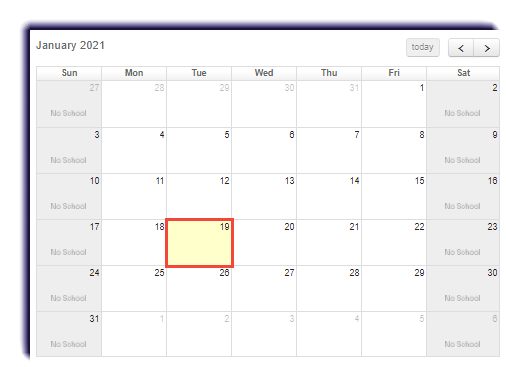
- The yellow square indicates "today".
Use this page to learn how to view the school calendar in the Admin tab.