Use this page to learn how to grade an activity from the Assignment Alerts box located on the home page. Grading a students assignment automatically recalculates a student's unit and course score.
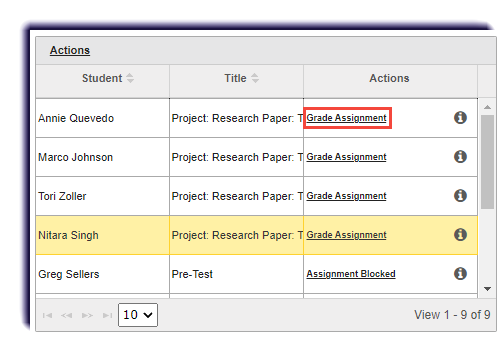
- Select Grade Assignment.
- Enter a score in the Points Received box.

- Click Update.

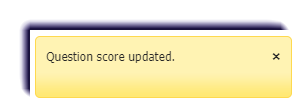
- A confirmation window appears in the upper right corner.
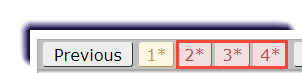
- Additional questions that need scoring will be marked with a red asterisk (*). Repeat steps 2-3 for each question.