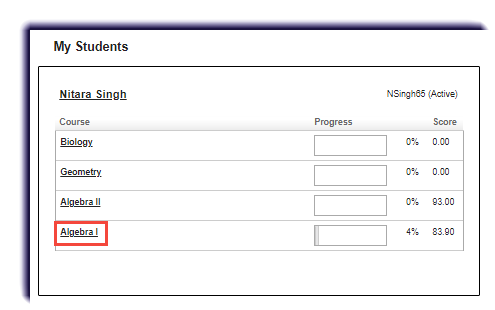
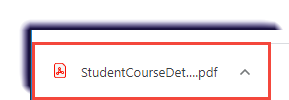
Running Student Progress Report November 11, 2022 21:23 Print Article Email Article Parents, use this page to learn how to run your student's progress report for a course. Click the course name. Click Print Student Course Assignments. Click the download. View the progress report. Articles in this section Family resources Resetting a password in the Parent Portal Running Student Progress Report Troubleshooting: International students and blocked IP addresses in Ignitia Understanding the Parent Activity Stream View Understanding the Parent Calendar View Viewing Details about Student Courses Viewing Student Course Assignments