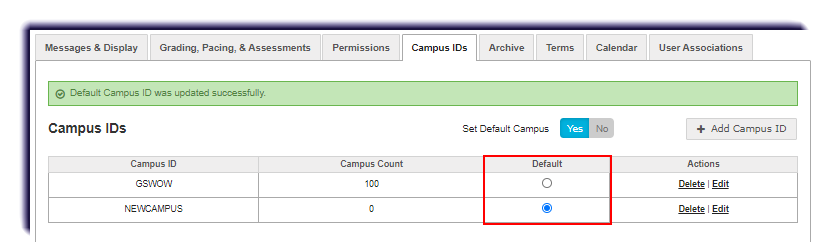
Use this page to learn how to add a new Campus ID.
- Click School Settings.
- Click Campus IDs.

- Click the + Add Campus ID button.
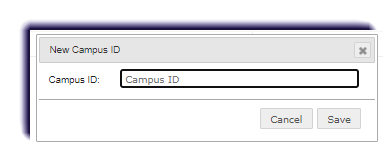
- The New Campus ID page appears. Enter up to 50 characters for the campus name.
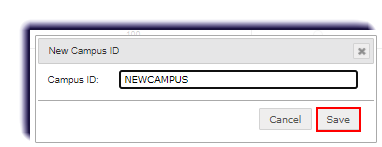
- Click Save. The new Campus ID appears in the list under the Campus ID column.
- If desired, select Default.