Use this page to learn how to set a default Campus ID.
- Go to the School Settings tab.
- Go to Campus IDs tab.

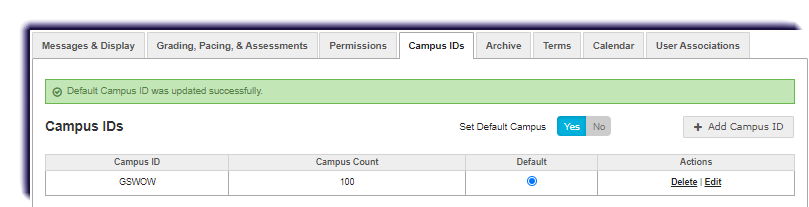
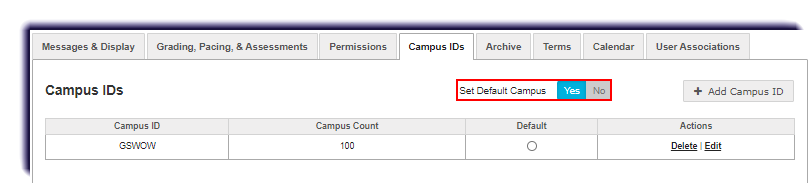
- For the Set Default Campus toggle, click Yes. This action enables the Default column indicators.
- Select the Default indicator for the campus you want to appear as the default item when selecting campus IDs for students, teachers, and admins as shown in the example below.